Research shows that food and beverage websites hit bounce rates around 62.5%. That’s well above the 45% cross-industry average.
Your restaurant might be losing customers because menus hide behind vague labels, images load slowly on mobile devices, or contact forms demand too much data. Basically, when people can’t find what they need quickly, they leave. However, simple fixes to navigation, page speed, and forms stop visitors from bouncing.
In this blog post, we’ll cover the UX mistakes that increase bounce rates. You’ll also see what fixes to test now, the trust elements that work, and quick wins for reaching your target audience with relevant content.
Let’s begin with understanding what’s hurting customer satisfaction on your website.
What Are the Most Common UX Mistakes Killing Your Bounce Rate?
UX mistakes that drive bounce rate include hidden navigation, slow page speeds, and broken links. These things frustrate visitors before they even explore your site. Once you identify areas where your design process falls short, you can fix the pain points hurting your conversion rate.
Take a look at where these usability issues show up most.
Confusing Navigation That Hides Your Menu
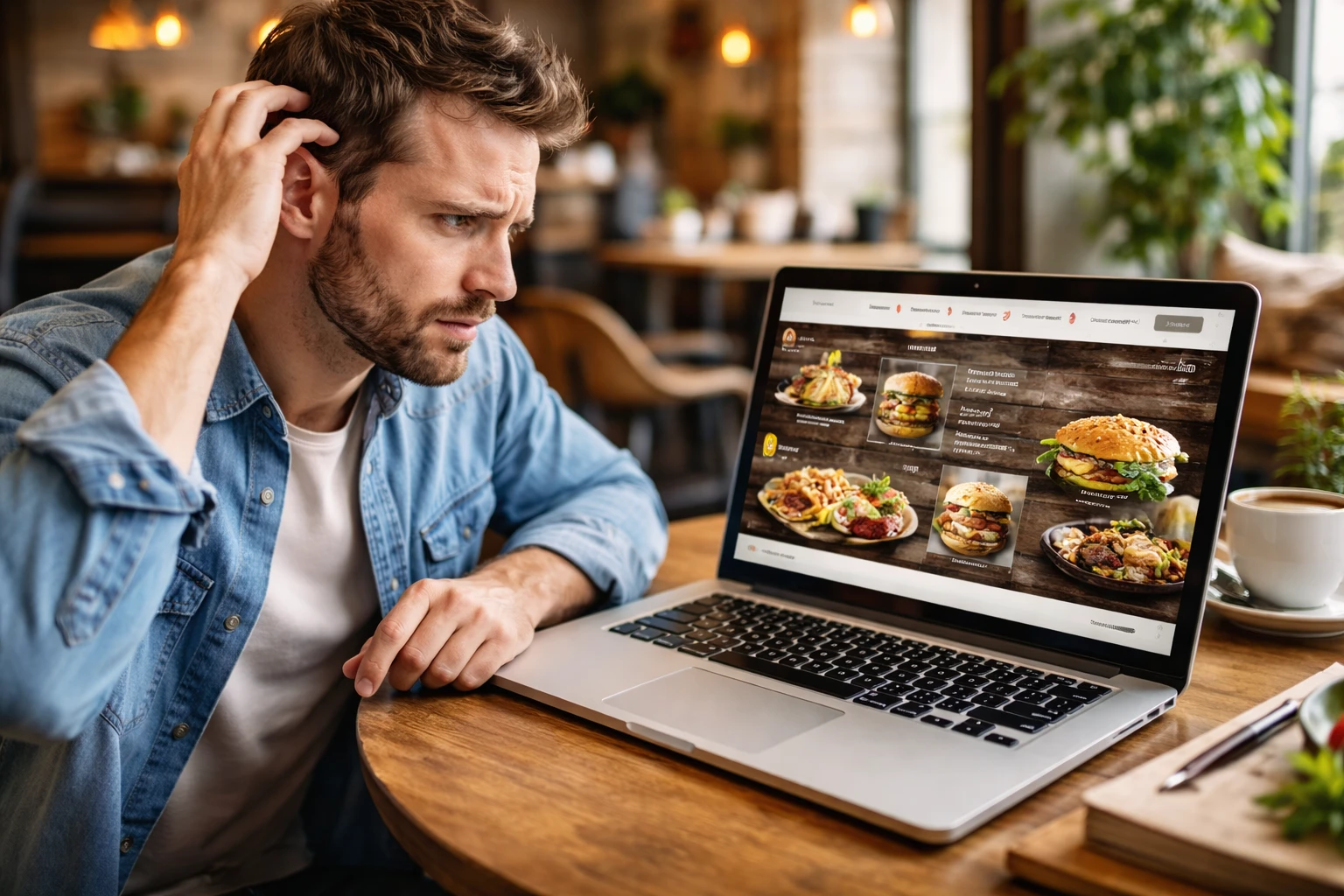
Restaurant sites often bury their actual menu 3-4 pages deep under vague labels like “Services” (because apparently ‘Food & Drink’ is too obvious). But the reality is, navigation that changes style or location between pages makes visitors relearn where things are.
Say, hamburger menus on desktop force extra clicks when visitors want to see your services immediately. This type of user interface makes people work harder than they should just to navigate your site and find basic menu options.
Also, when the visual hierarchy breaks down, all the information they need gets scattered across different elements with no clear path forward.
Slow Loading Times on Landing Pages
Site speed and how fast your pages load directly impact whether people stick around. When your landing page takes forever, customers bounce before seeing your best dishes.
To give you an idea, high-resolution food photos that aren’t compressed can take 8-10 seconds to load completely (very annoying to hungry customers). We’ve seen how Brisbane café sites often load slowly on mobile because images aren’t optimised for smaller screens.
Plus, these pages hammer your traffic on mobile devices when users just want to check your menu quickly. In fact, Google research shows 53% of mobile visitors leave if a page takes over 3 seconds to load.
Broken Links and Dead Ends
Mobile-friendly sites with accessible navigation still fail if core elements don’t function properly. For example, when data from your forms disappears, or links fail, it shows customers your site isn’t maintained. Similarly, contact forms that submit without sending confirmation emails leave customers confused.
After auditing dozens of Queensland café websites, we keep finding “Book Now” buttons that lead to outdated third-party booking systems that no longer work. Another common food website mistake is how menu PDFs return 404 errors because the file was moved or renamed without updating links.
How Poor User Journey Design Drives Visitors Away
Research from Microsoft found that the average human attention span dropped to 8 seconds. That means your user journey needs to be frictionless from the first click. When website visitors land on your pages and encounter obstacles, they leave instantly.
These poor design choices create friction that stops users from taking the next step:
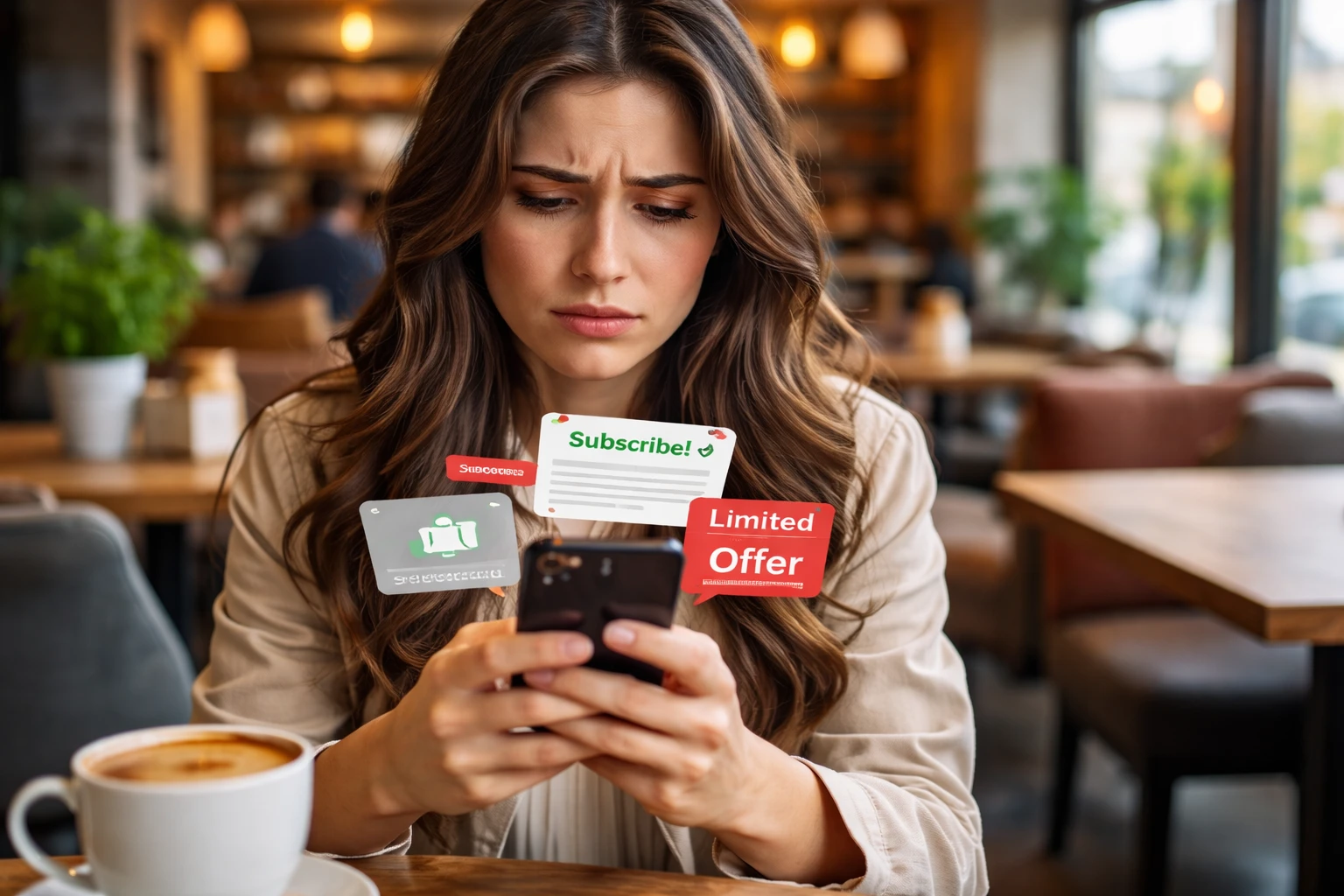
- Immediate Pop-Ups: Pop-ups appear before visitors read anything, and block all the relevant content they came here to see. Look at it from their angle: they clicked your ad campaigns or search results to find specific information, not to close multiple pop-ups blocking their view.
- Auto-Playing Videos: Auto-playing videos with sound startle visitors and make them close the tab immediately. This drives high bounce rates on mobile devices, where users browse in public spaces (nobody expects noise when browsing restaurant sites on-site during work hours).
- Forced Account Creation: People interested in your food shouldn’t need to register just to see prices or product pages. In reality, required account creation for basic actions like viewing a menu or checking opening hours frustrates users.
- Competing CTAs Everywhere: Multiple CTAs (calls to action) competing on one page confuse visitors about what action to take next, and the visual hierarchy collapses. The truth is, when every button screams for attention, none of them work.
- Excessive Form Fields: Each extra field on the site increases bounce rate as customers lose patience with the design. Say, forms asking for 12 fields when only name and email are needed for a booking create unnecessary friction.
User journey problems like these push visitors away before they even explore your landing page properly. But fortunately, fixing just one or two of these issues can improve your conversion rate within weeks.
Now that you know what’s driving visitors away, where should you start?
Quick Conversion Rate Optimisation Fixes for Food Websites
Focus on the changes that take minimal time but make the most effective impact on your conversion rate and usability. It’s because even small usability improvements can significantly increase conversions by reducing friction during the ordering process.
These quick fixes help you identify pain points without rebuilding your entire website:
- Specific CTA Text: Replace generic “Submit” buttons with clear text like “Reserve My Table” or “Get My Quote” that clearly tells users what happens next. This clarity reduces hesitation and helps users feel more confident about completing the action.
- Click-to-Call Buttons: Mobile devices need one-tap calling options. For this, you can add click-to-call buttons so visitors can phone you without manually dialling numbers.
- Test Your Own Checkout: Before finalizing your site, order something from your site and time how many steps it takes. This helps you identify areas where the process drags or confuses customers trying to complete desired actions on your landing page.
- Remove Extra Form Fields: Each unnecessary field on your product pages creates friction and drives users away from completing their purchase. So keep only what you absolutely need.
- Above-the-Fold Priority: Place your most popular dishes or services where visitors see them immediately without scrolling. That way, people on smaller screens get the relevant information they need right when they land on the site.
Pro Tip: Run usability testing with real customers to see where they struggle. You can use the data from Google Analytics and test results to optimize your pages based on actual user behavior, not assumptions.
UX Design Elements That Build Trust and Keep People Browsing
Adding trust signals to your food website allows visitors to feel confident. As a result, they complete bookings without second-guessing your legitimacy. Furthermore, user satisfaction increases when customers see proof that your business is reliable and accessible.
Here are some elements that address the concerns people have before they commit.
Contact Information That’s Easy to Find
Contact pages missing business hours leave people unsure if you’re currently open. That uncertainty stops users from taking actions like making a reservation or placing an order on site.
Like, phone numbers hidden in footers make mobile users scroll endlessly when they want to call. And people browsing on mobile devices need accessible contact options right away, instead of being buried under layers of navigation.
To give you another example, Brisbane restaurants without embedded Google Maps force visitors to copy-paste addresses manually. This adds friction to the user journey when someone just wants directions to your location quickly.
Security Badges and Trust Signals That Work
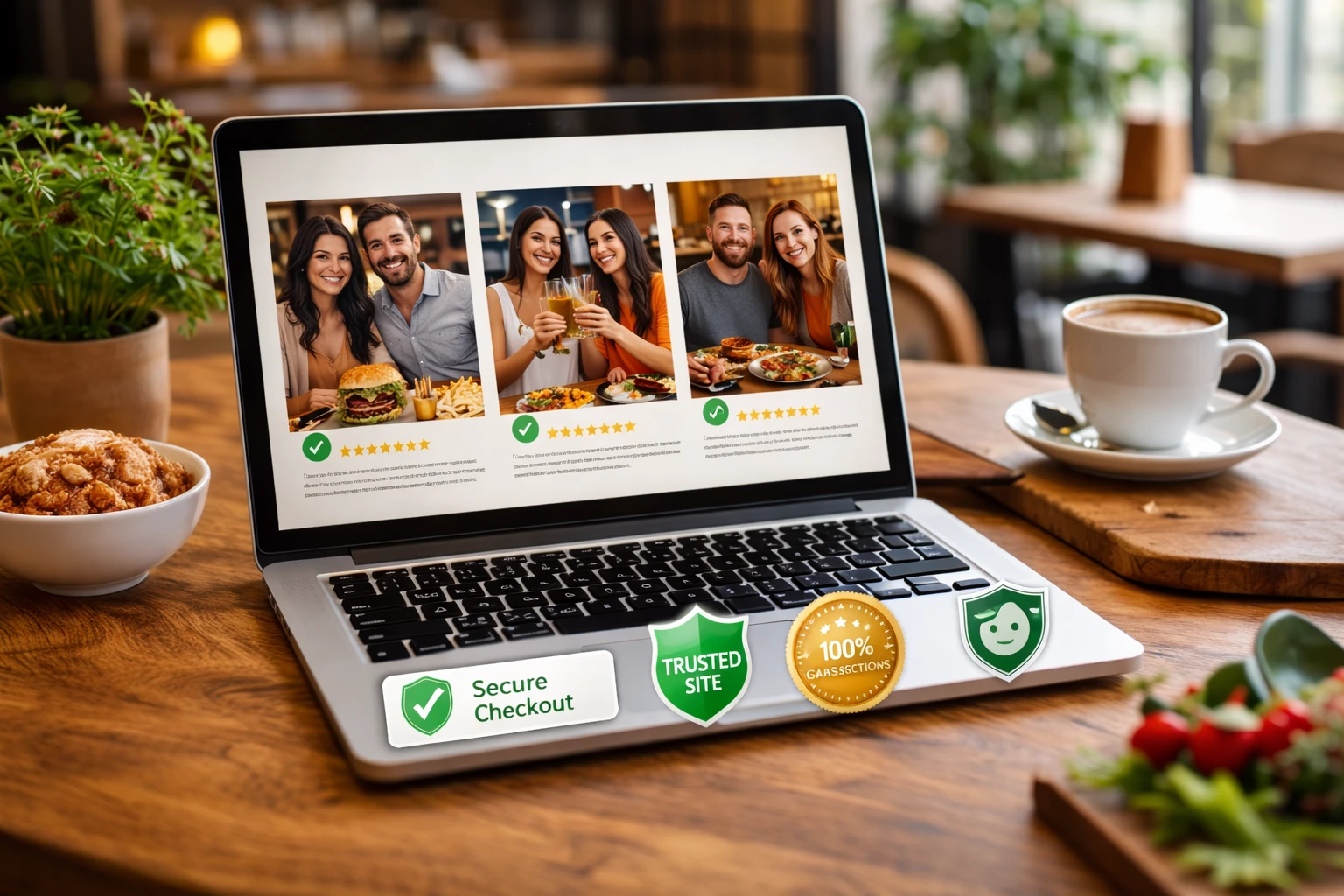
SSL certificates (Secure Sockets Layer) and“Secure Checkout” badges show that payment information is protected during online orders. When you display security badges prominently on product pages, customers feel safer completing their purchase.
Our design work with local restaurants taught us that food safety ratings and health inspection scores displayed up front reassure new customers. These elements build trust better than polished marketing images.
Along with these, real customer photos and verified reviews carry valuable weight. Social proof from actual diners helps boost conversions because visitors see themselves in those experiences.
Start Fixing Bounce Rate Issues Today!
UX mistakes like confusing navigation, slow page speed, broken links, poor user journey, and missing trust signals are costing you bookings. These things tank your conversion rate and waste the traffic you’re paying for through ad campaigns or working hard to earn through search results.
So start with the easiest fixes first. Maybe check your broken links, test your site on mobile devices, and simplify your forms. Just these improvements can show better metrics in Google Analytics within weeks of making the changes.
If you’re running a food business in Brisbane and need help fixing these usability issues, Spoon Fed Atlanta specialises in designing websites that keep visitors engaged and convert browsers into customers. Our team understands the unique challenges restaurant and café sites face with bounce rate and user experience.