Before your food business goes live, you need a mobile-friendly website, accurate content, solid page speed, and tracking set up from day one. If you miss any of these, your site can quietly lose customers before you’ve even served one.
And it happens more often than you’d expect. Most food business websites look ready on the surface, but the details beneath the surface tell a different story, especially when a real customer tries to place an order at 7 PM on a Friday.
That’s exactly what this checklist is for. It walks you through everything from mobile and speed to SEO and analytics, so your site is genuinely ready before anyone lands on it.
Let’s get into it.
Is Your Content Ready to Launch?
Your content is ready to launch when every price is accurate, every link works, and every form has been tested by a real person. If you skip any of these, you risk losing a customer in the first five minutes.
Go through these before anything else.
Get Your Menu, Pricing, and Contact Details Right
When someone lands on your food business website, the menu is the first place they go. And if the prices are wrong or the contact details lead nowhere, that visit ends quickly.
And look, launch day is exciting, we completely understand that. But excitement doesn’t stop a wrong phone number from costing you a booking. That’s why we suggest you take the time to go through every page and confirm your details match your Google Business profile.
You have to make sure nothing sends a customer to a dead end.
Test Every Link, Image, and Form Before You Go Live
Broken links damage trust and hurt your search results ranking, so work through every page and click every link before launch.
While you’re at it, check that your image alt text is filled in across the board. Then move on to your forms. That’s because an untested form on launch day is an accident waiting to happen, so submit a test enquiry and confirm the emails come through on your end.
A site that’s accurate and fully tested gives every visitor a reason to stay.
Don’t Launch Until Your Mobile Experience Is Ready
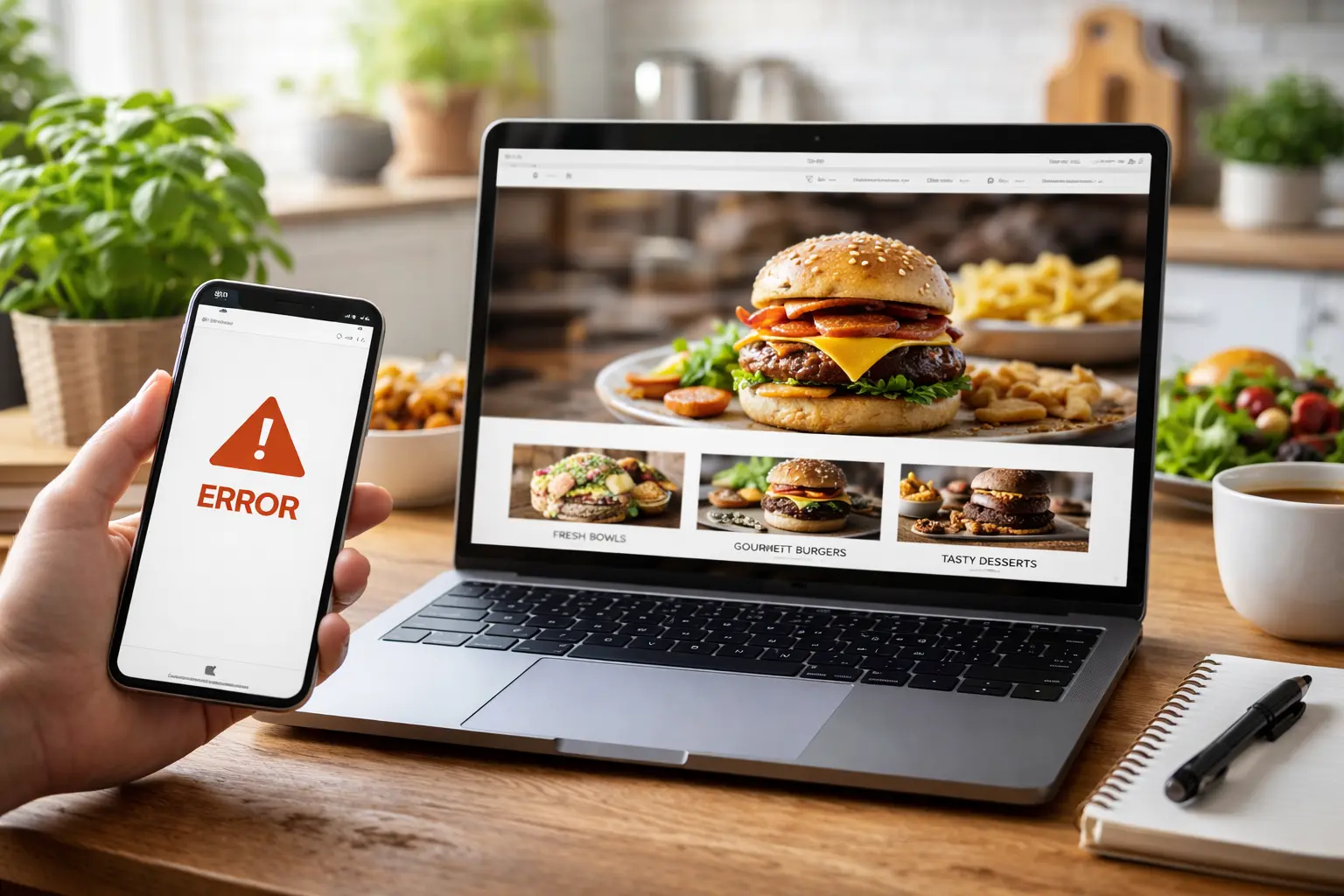
Building a mobile-friendly website means your pages load cleanly, your text is readable, and your buttons work on a small screen. Most food business sites look fine on a desktop but fall apart on a phone. And with over 60% of restaurant visits coming from mobile devices, that’s a problem worth fixing before launch.
Run through each of these before you go live.
- Responsive Design: Your layout needs to automatically adjust across different mobile screen sizes. Without it, columns collapse, images overflow, and your whole site looks broken on a phone. Most pre-built themes handle this, but always test across real devices to be sure.
- Tap-Friendly Buttons: Think about how you use your phone. You’re tapping with a finger, not clicking with a mouse, so every button and link needs to be large enough to hit comfortably on smaller screens. Besides, a frustrated thumb is a lost customer.
- Font Size and Readability: Nobody pinches and zooms twice. Make sure you check your font size across multiple devices and fix anything too small to read. A visitor who can’t read your menu won’t stick around to order from it.
- Mobile Load Speed: A slow mobile website is a quiet killer. We always recommend testing your page speed on a mobile connection before launch, because visitors won’t wait around while your menu takes five seconds to appear.
- Mobile Form Testing: This one catches people out more than you’d expect. Fill out and submit every form from your phone and make sure the whole experience feels smooth. Plus, a clunky form on mobile is a fast way to lose a genuine enquiry.
These five checks are your mobile foundation. If you miss any one of them, you risk losing mobile users before they’ve even explored your site.
Pro tip: Don’t forget to run your site through Google’s Mobile-Friendly guidelines to confirm where you stand, then move on to speed.
Slow Pages Cost You Orders
Website speed is one of the first things Google checks. And for a food business, every visitor who leaves before your page loads is a potential order gone.
Two areas cause most of the problems.
Heavy Images and HTTP Requests Kill Load Time
Images are one of the most common reasons food business sites load slowly. Large, uncompressed files add significant weight to every page, quietly dragging your load time down. To pinpoint the problem, plug your URL into PageSpeed Insights, and you’ll see exactly where your load time is going.
Beyond images, too many HTTP requests slow things down just as fast. So compress your files, combine where you can, and cut any unnecessary plugins, adding weight without adding value.
Clean Up Your Code and Enable Browser Cache
Once your images are sorted, it’s time to look at your code. You could minify your CSS files and JavaScript files. This action strips out unnecessary characters that browsers don’t need and trims your load time across the whole site.
Combining those files also reduces HTTP requests, and enabling browser cache stores your static files in a temporary storage location on a visitor’s device, so returning visitors load your site faster.
With speed covered, your SEO setup is next.
Have You Covered Your SEO Basics?
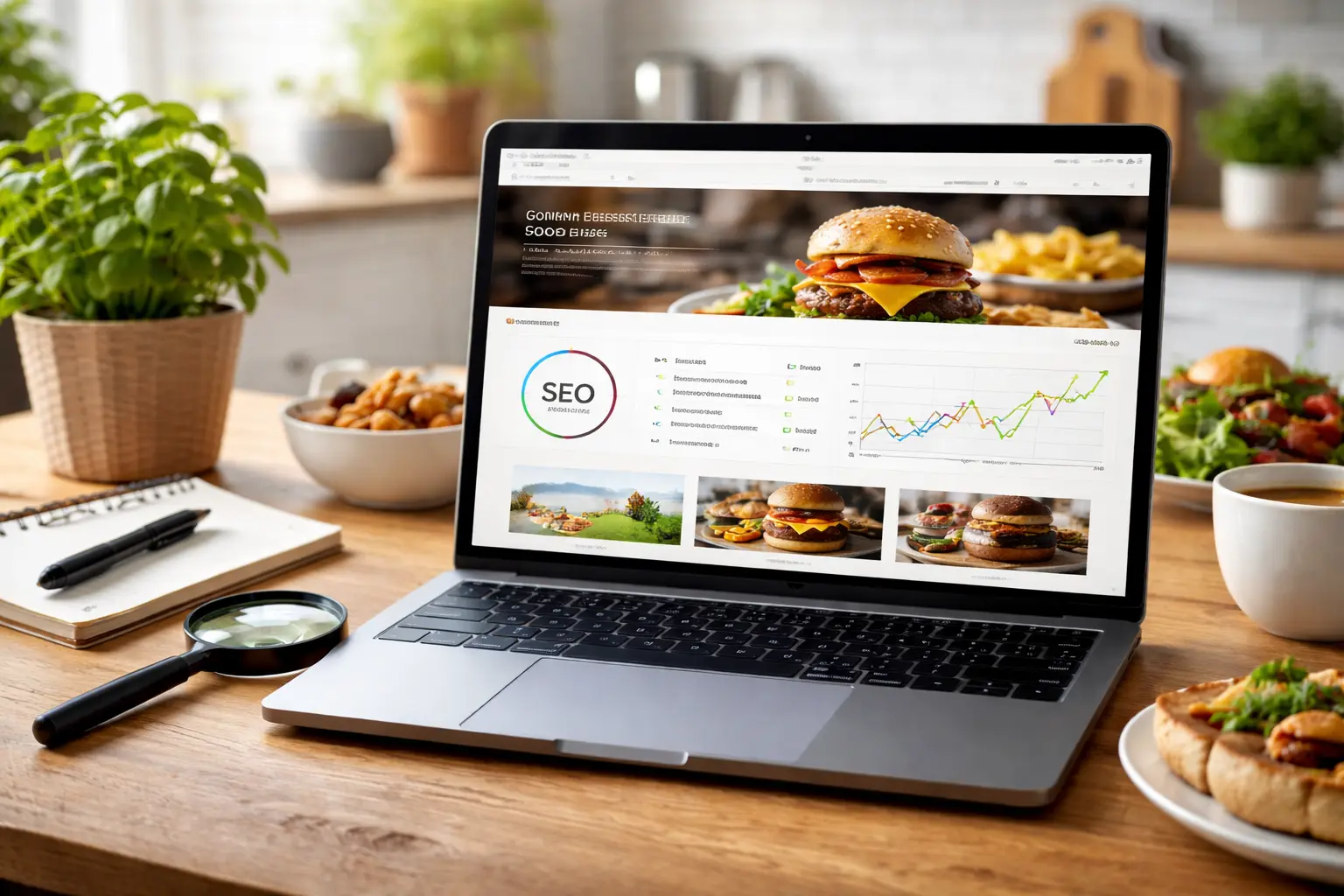
Before your site goes live, search engines need to be able to read it, understand it, and rank it. That means checking your page titles, URLs, meta descriptions, and server response time.
Check out the table below for more details:
| SEO Element | What to Check | Why It Matters |
| Page Titles | Unique, descriptive title on every page | Helps search engines identify what each page is about |
| Meta Descriptions | Summary under 160 characters | Improves click-through rates from search results |
| URLs | Clean, readable, no random strings | Helps both search engines and users navigate your site |
| Time to First Byte | Server response time under 200ms | Slow responses push your pages down in search results |
| Website Performance | Overall speed and stability | Directly affects how search engines rank your pages |
Think of it this way, Google is just a very organised librarian, and if your pages aren’t labelled clearly, they simply don’t make it onto the shelf (Missing page titles are a consistent ranking issue per Google Search Central).
What the table above won’t show you is how these elements work together. A clean URL paired with a strong page title and a well-written meta description gives Google a consistent signal across your whole page, and consistent signals rank better.
For a full reference on setting each one up correctly, Google’s SEO Starter Guide is worth bookmarking before you go live.
Your Online Store Checklist Before Launch Day
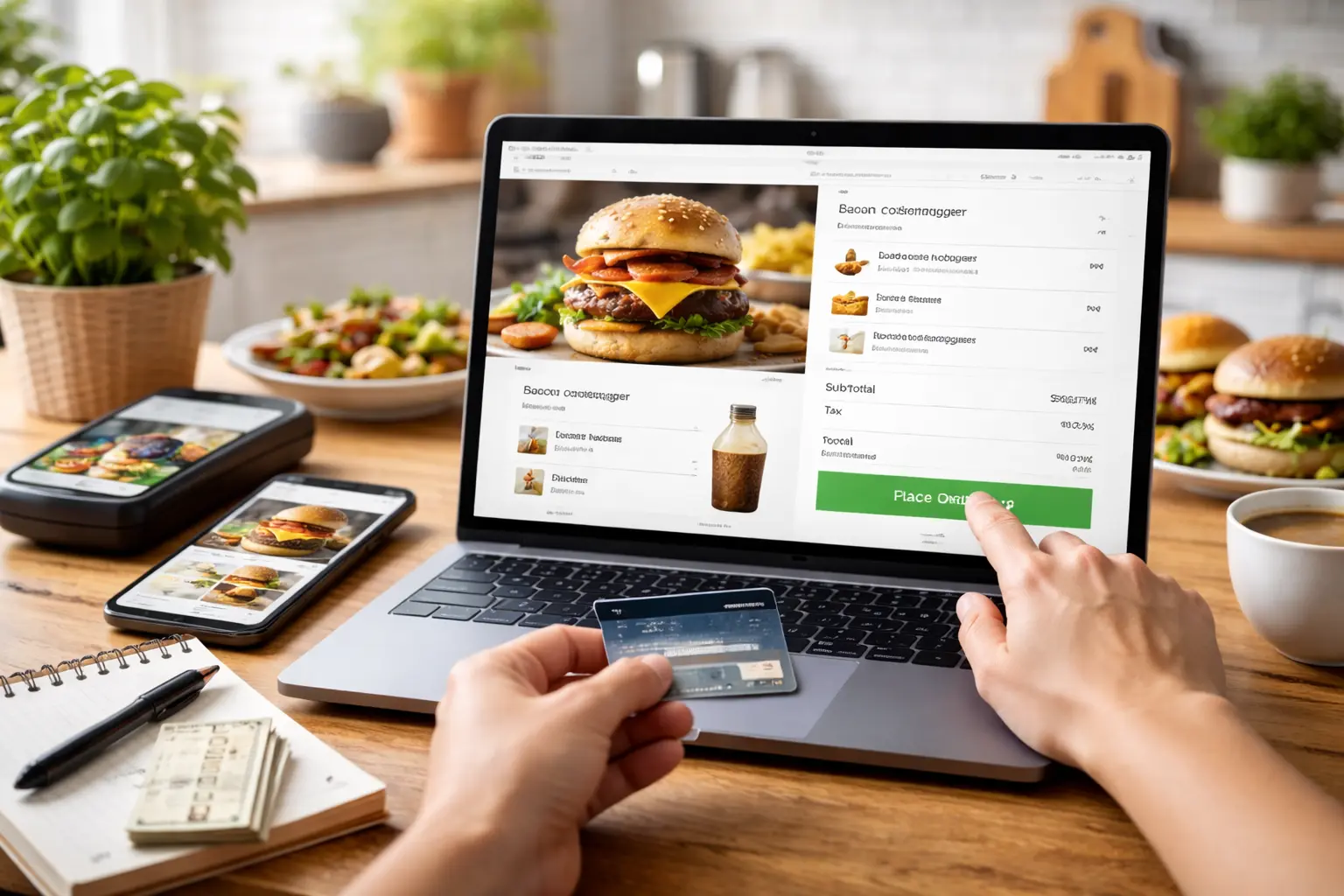
Your online store needs to work perfectly before a real customer sees it. That means testing your order flow, confirming your payment gateway, and making sure your menu matches what you’re serving.
Here’s how to go about it:
Run Through Your Order Flow Before Launch
Walk through the entire order process before launch. Most food business owners test the design and forget to test the actual purchase journey. And in our experience with restaurant clients across Queensland, a broken checkout is almost always the last thing checked and the first thing that causes problems.
Bottom Line: A checkout that fails on launch day is the kind of problem that costs you customers and credibility at the same time.
An Outdated Menu Will Cost You Orders
Your online menu and your in-store menu always need to match. Content management systems don’t always sync automatically after an update, so the dish you removed last Tuesday could still be sitting live on your website right now.
Put simply, take the time to go through every item, remove anything discontinued, and check that your prices are current.
Your Pre-Launch Checklist Ends Here
As we mentioned earlier, a food business website that works from day one doesn’t happen by accident. It takes checking your content, testing your mobile experience, sorting your speed, and setting up your tracking before anyone else sees it.
This article walked you through content accuracy, mobile experience, page speed, SEO basics, online store testing, and analytics. Each section builds on the last, so work through them in order before you touch that publish button.
Our team at Spoon Fed Atlanta has walked food businesses across Australia through every step of this process. We’ve seen what breaks on launch day, we know what to fix first, and we’ll make sure your site is ready before it goes live.
Your launch day starts here.