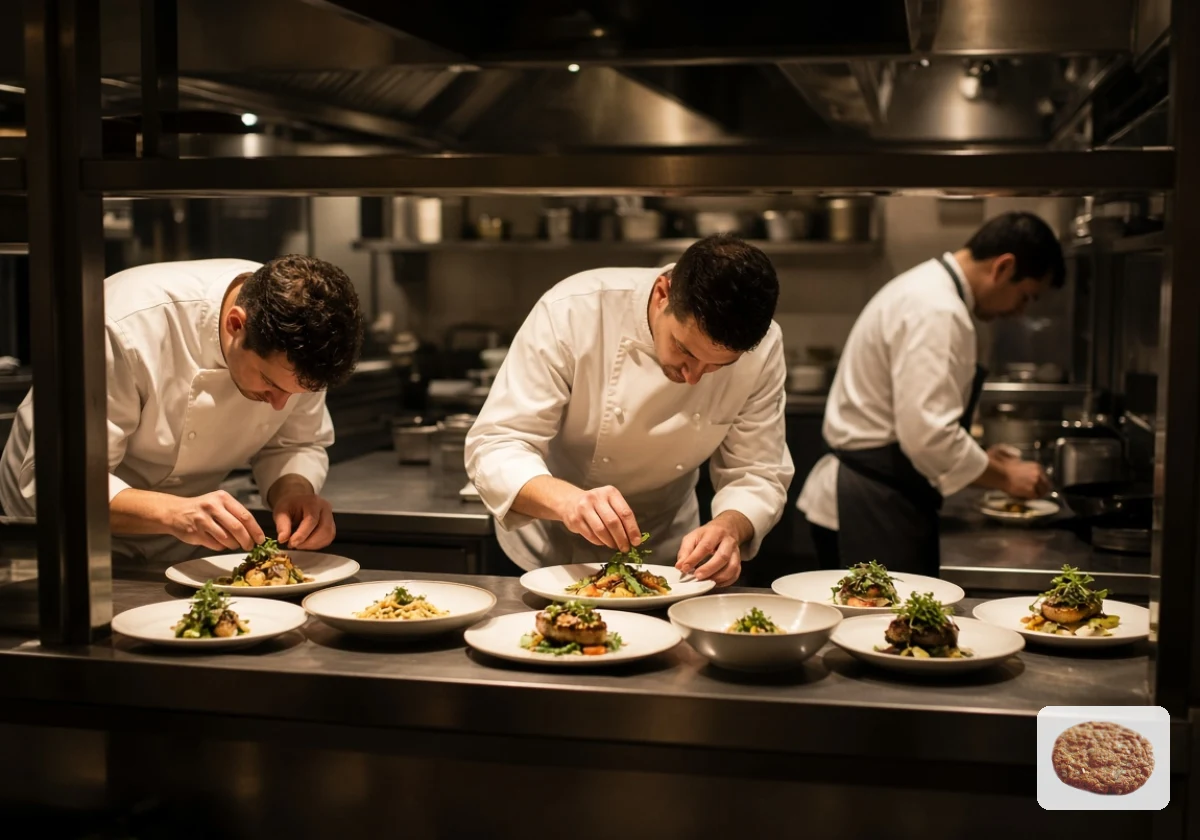
Restaurant websites need to reflect menu changes when dishes sell out. If the kitchen runs out of lamb shoulder but the website still lists it, diners might order a dish the restaurant can’t serve.
In other words, an accurate menu is part of a good restaurant website. Spoon Fed Atlanta specialises in food-focused web design, led by a director with an artisan chef background. Our team combines culinary knowledge with web design and food photography to build websites for restaurants and food businesses.
This guide explains the costs of listing sold-out dishes, four ways to mark unavailable items online and how to keep menus updated. It also looks at seasonal menu changes.
How Sold-Out Dishes Affect Your Restaurant’s Marketing

A sold-out dish costs your restaurant through refunds, extra staff calls and disappointed customers. If your website and delivery apps still list it, diners can order a meal the kitchen no longer has.
When that happens, diners feel the impact first. They order and pay online, then receive a call about another dish or a refund (often just before mealtime). Each call takes staff time and leaves customers less likely to order from the restaurant again.
These poor experiences can also affect diners who never placed an order. Some guests may leave one-star reviews because the website lists dishes the kitchen no longer serves. Other diners read those reviews before booking and pick another restaurant. Those reviews undo the marketing that brought people to your site. Over time, outdated menu information costs you future bookings.
On top of that, your staff have to deal with sold-out orders during an already busy service. For example, a server tells a guest the lamb is gone, but the website still lists it, and the till accepts the order.
The solution is to have one person update the menu as soon as a dish sells out. This way, everyone has the same information during service.
Four Ways to Show Sold-Out Items Across Your Brand’s Menus
Your sold-out menu should show diners which dishes are unavailable and what they can order instead. Clear labels also support good website usability, as explained in these usability fixes for food business websites. They help diners make their choice without confusion.
Below, we’ll look at four ways to mark sold-out dishes and when to use each one.
Grey It Out in a Brand Colour and Keep It on the Page
If you grey out a sold-out dish, people can still see its name and price, but they can’t order it. The visible dish also reminds regular customers that it remains part of your menu, even when it’s unavailable.
And when diners can still see sold-out dishes on your menu, they have a reason to return. For example, someone who loves your duck curry knows it’s only sold out today and can order it on their next visit.
We recommend using a muted shade from your brand palette while keeping the text easy to read. Avoid pale grey on white, as the text can disappear on phone screens in bright sunlight. You should also test the colours outside before publishing.
Add a Sold-Out Badge That Says When the Dish Comes Back
Use a small badge like “Sold out, back Friday” to tell diners when the dish will be available again. Regular customers can then plan their next visit.
However, only display a return date when the kitchen is confident it can meet it. If a supplier delivery gets delayed, the Friday badge will become a false promise (and staff face another round of calls from disappointed diners).
To avoid that problem, give one staff member responsibility for updating the badge. The person who checks in produce deliveries is a good choice, as they’ll hear about delays first.
Hide the Item Completely Only When It’s Gone for the Season
Remove a dish from your online menu when it’s gone for the season. For a short sell-out, keep it visible with a sold-out label. Otherwise, diners might think you’ve removed it permanently and leave without ordering anything else.
Hiding a dish can also cause problems for people who find your menu through other channels. For instance, Instagram posts, Google listings and shared screenshots might still link to a menu that no longer shows the dish. Diners can then assume the link is broken or the restaurant has removed the item permanently.
Suggest a Close Substitute Right Where the Dish Sat
What should diners do when their chosen dish is sold out? Give them another option right where the original dish appears. For example, add a note like “Out of snapper today? Try the flathead instead.” This substitute will give your guests another meal to choose without searching the menu again.
That said, the substitute needs to suit the diner’s dietary needs as well as their taste. FSANZ allergen advice asks venues to keep allergen information clear, accurate and up to date.
So, you should list the substitute’s allergens beside the dish. This clear labelling will allow diners who avoid sesame to check the ingredients without leaving the menu.
Food Website Menu Templates for Managing Sold-Out Dishes
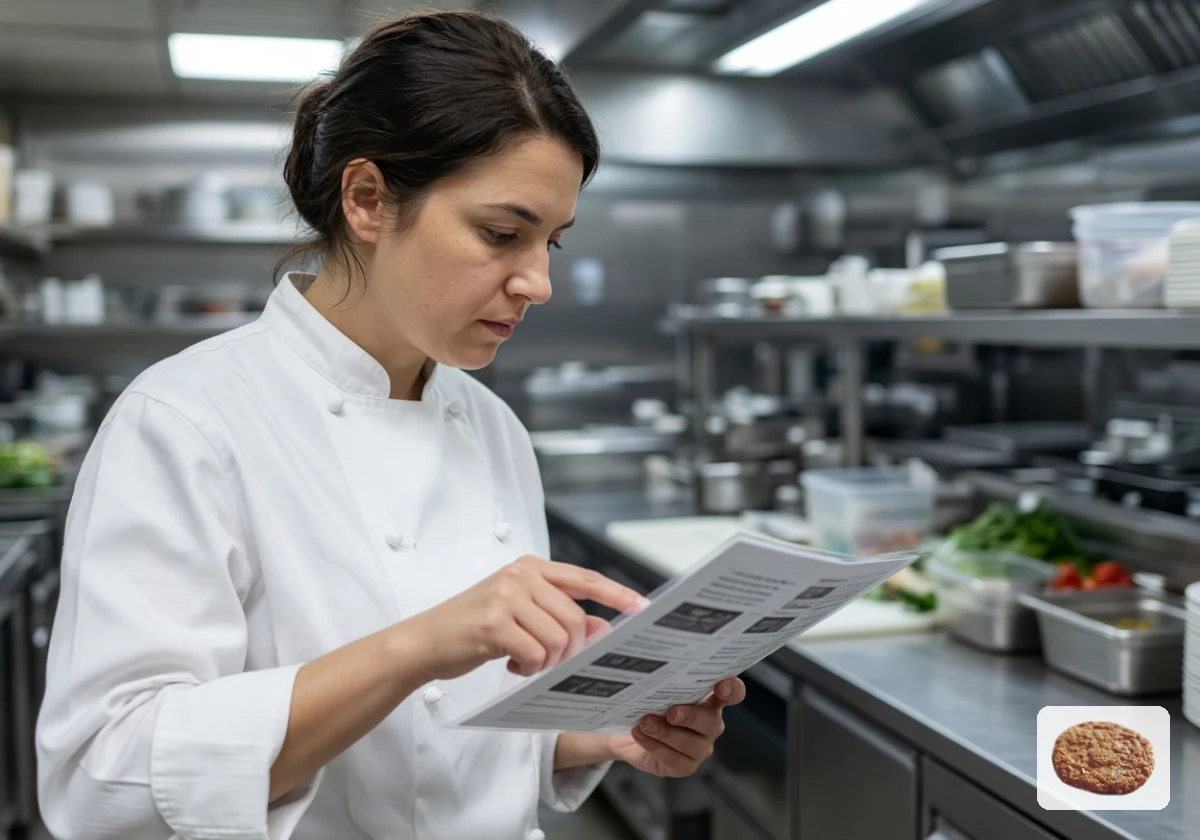
Food website stock availability depends on how quickly your team updates sold-out dishes. Your website, online ordering system and delivery apps should all show the same menu.
The table below shows which channel to update, who handles it and when:
| Channel | Who Updates It | When and How |
|---|---|---|
| Online Ordering | Front-of-house manager | The moment the kitchen calls it, before the next order lands |
| Website Menu | Front-of-house manager | Grey it out or add a badge with a return date |
| Delivery Apps | Whoever holds the tablet | Pause the item so it returns with one tap |
Update your online ordering system first, as diners can pay for dishes that have sold out. If it syncs with your website, one change will update both menus and save your staff extra work during service.
Restaurant Menu Management Resources for Seasonal Updates
Seasonal menu website updates need the same attention as daily sold-out changes. For instance, when autumn pumpkin dishes leave the menu, someone must remove them from the website too. Otherwise, diners might order dishes the kitchen no longer serves.
Waste adds to that cost. In 2026, R&CA food waste figures put hospitality at 16% of Australia’s total food waste, roughly 1.2 million tonnes each year. When seasonal dishes stay orderable after their produce is gone, kitchens often over-order to cover them, and the excess ends up in the bin.
In our experience, seasonal menu changes work best when the website and printed menu are updated on the same day. If you’ve ever had to explain an unavailable dish over the phone during service, you’ll know why.
The following items need checking whenever you update your seasonal menu:
- Departing Dishes: When a dish leaves the menu, its name and photo need to come off the website or carry a sold-out label if it will return. Old photos can give diners the wrong idea about what’s available. Check every menu page for dishes and images that need updating.
- Prices: Price changes need to appear across your website, ordering system and delivery apps at the same time. Customers expect the price they see online to match the amount at checkout. A test order on each platform helps catch any differences.
- Allergen Notes: Every new dish needs an allergen check against the kitchen’s latest recipe card. Ingredients and preparation methods determine which details diners need to see. Ask the kitchen to confirm the allergen information before the new menu goes live.
- Social Links: Old social media posts can still send people to dishes that have left the menu. This can confuse guests who follow a link and find an outdated page. Check pinned posts and widely shared links first, then update or remove old content.
- Sell-Out History: Last season’s sales records give the kitchen a useful guide for planning stock. In particular, frequent sell-outs can point to dishes that need closer attention. Review past orders with the kitchen and adjust stock levels for the next season.
Check this list on the day you send the new menu to print. Your team can then fix outdated prices, remove old dishes and check allergen details before the new menu goes live.
Make the Sold-Out Plan Part of Your Menu Management This Week
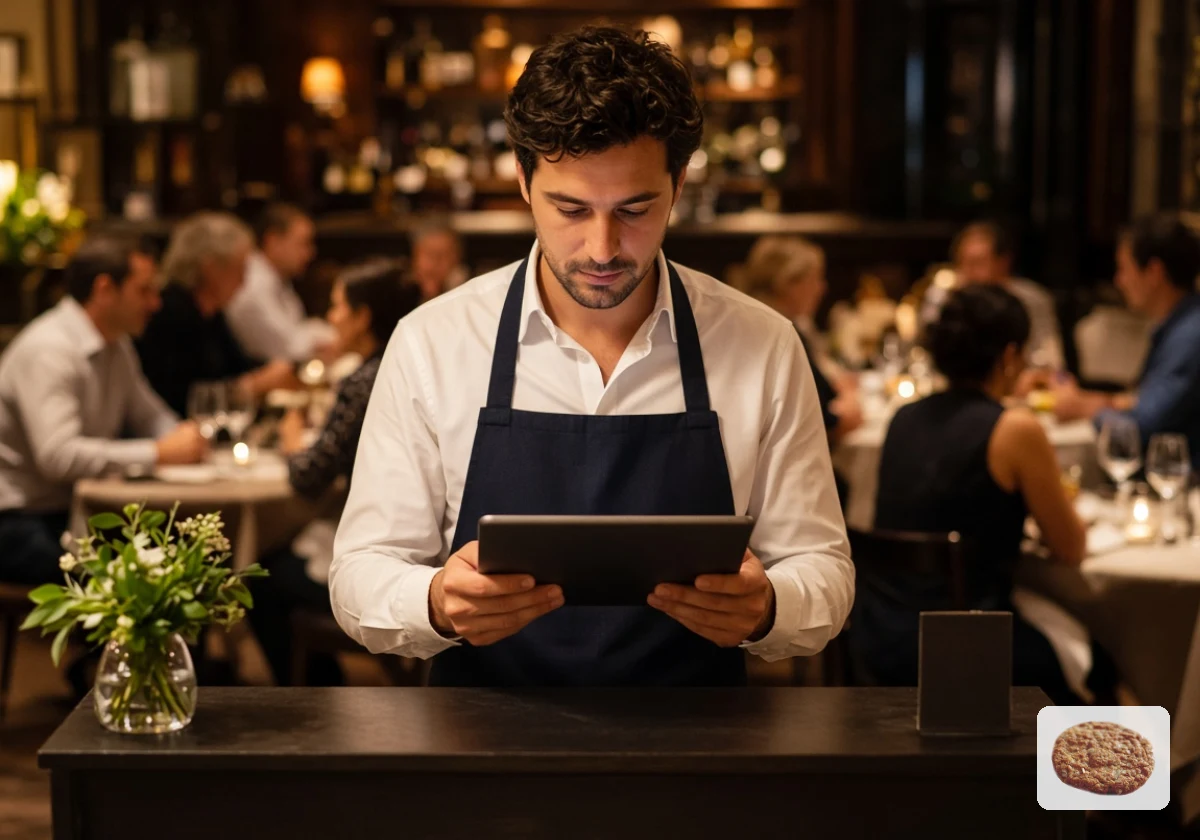
A clear plan will let your team handle sold-out dishes without confusing diners. Choose one person to update every online menu the moment a dish sells out, so your website, ordering system and delivery apps always match.
To cut sell-outs at the source, review last month’s orders and find which dishes run out most often. Use those records to plan stock levels and discuss any supply issues with your kitchen team.
If you want to keep your restaurant’s online menu accurate, contact our team today. We can help you plan menu updates and make sure diners see the right dishes across your website and ordering platforms.