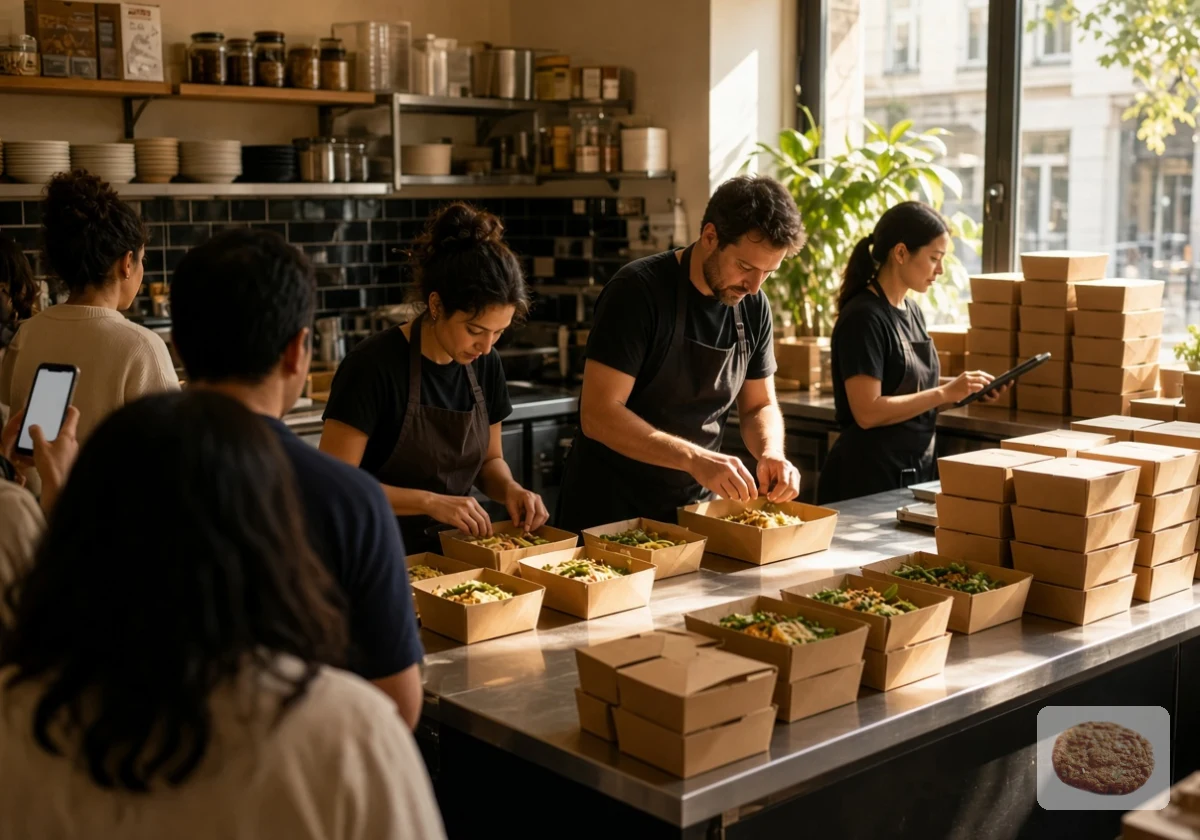
Adding online ordering sounds like a natural next step for a restaurant. More customers can browse your menu, place takeaway orders and pay without calling your staff. But will those extra orders bring in more revenue, or leave your kitchen struggling to keep up?
The difference often comes down to decisions you make before launch. In this article, we’ll look at seven things to consider before building your online ordering experience. By the end, you’ll have a clearer idea of what your restaurant needs from an ordering system and how to prepare for a smoother launch.
1. Understand How Your Customers Prefer to Order
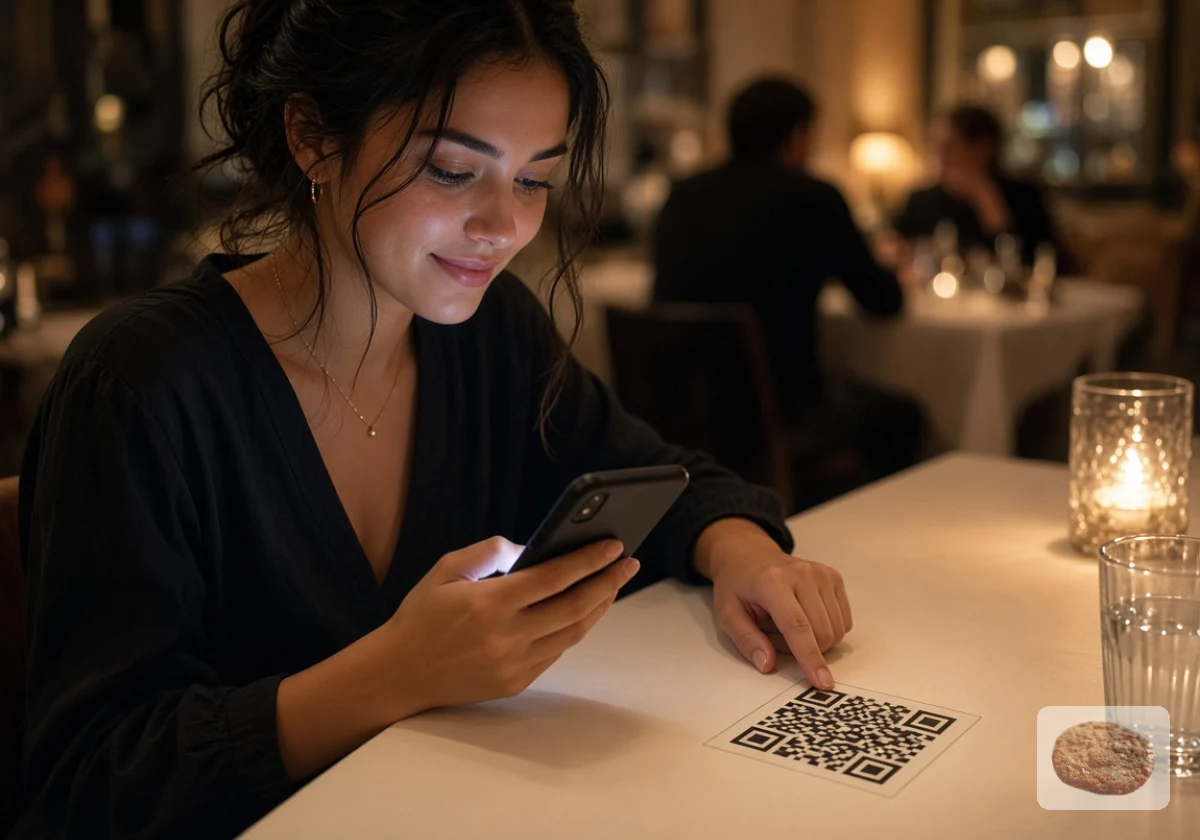
Before choosing an online ordering platform, take a closer look at how your customers already place orders. Some regulars might prefer calling your restaurant, while others use delivery apps or scan QR codes to order from their tables. These habits can tell you what customers expect from a new ordering experience.
So, how do you find out what works for your customers? Start by asking your front-of-house staff to track phone orders, walk-ins and app orders for two weeks. A simple tally sheet by the till will do. Compare the numbers across different days and meal periods to spot patterns.
For example, you might find that Friday dinner customers prefer ordering through an app, while weekday lunch customers still call ahead. Use these findings to decide which ordering channels your new system should support. There’s little point paying for features your customers are unlikely to use.
2. Choose Menu Items That Travel Well
Now that you understand how your customers prefer to order, take a closer look at your menu. Some dishes travel well, while others lose their heat, texture or presentation before they reach the customer. And offering the wrong dishes online can lead to unhappy customers, refunds and negative reviews.
So start by sorting your existing menu into three groups:
- Dishes That Travel Well: Curries, pizza, burgers and grain bowls can hold their heat and texture during a typical delivery journey when packaged properly.
- Foods That Need Special Packaging: Fried items like chips and tempura can lose their crispiness as steam builds up inside sealed containers. Vented packaging helps release that moisture.
- Dishes Best Served In-house: Some menu items are simply too delicate for the trip. This includes options like soufflés, rare steaks and plated desserts. Keep them on your dine-in menu unless you can find a way to maintain their quality during delivery.
Once you’ve sorted the menu, test your shortlisted dishes. Pack each one as you would for a customer and leave it for 25 minutes before tasting it. If the food loses its texture, temperature or presentation, try different packaging or leave it off your online menu.
3. Compare Your Own Online Ordering System With Third-Party Apps
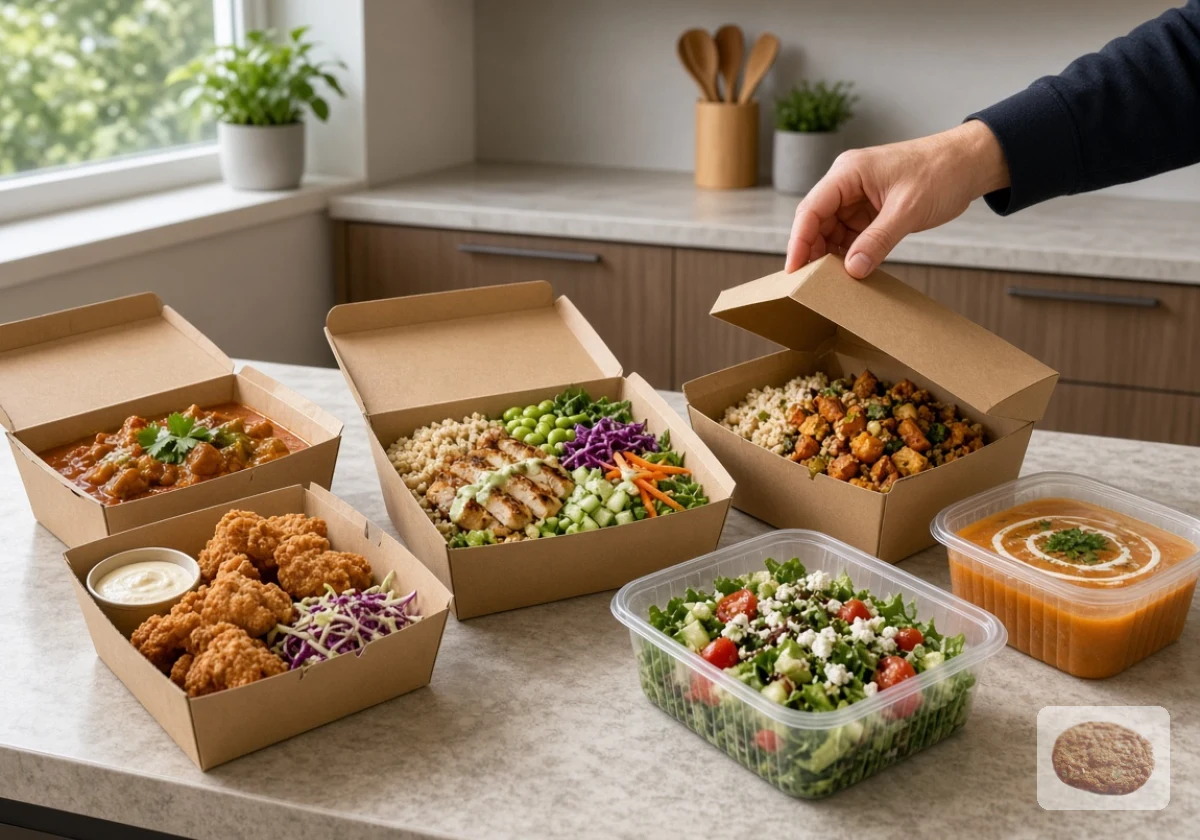
Once you’ve decided which dishes to offer online, you need to choose where customers will place their orders. You can accept orders through your own website or use a third-party marketplace like Uber Eats or DoorDash. Each option has different costs, benefits and limitations, so consider what your restaurant needs most.
Here’s how the two approaches compare:
| Factor | Your own ordering system | Third-party marketplace |
|---|---|---|
| Customer data | Greater access to customer details and order history | Access to customer data depends on the platform’s policies |
| Fees | Usually a subscription or transaction fee, plus payment processing | Often charges commission on orders |
| Customer reach | Relies more on your own marketing and existing audience | Can expose your restaurant to customers browsing the app |
| Branding | More control over your branding and customer experience | Follows the marketplace’s design and rules |
| Delivery | You arrange delivery or offer collection, depending on your setup | May offer access to its delivery network |
From our experience working with local restaurants, an ordering system on your own website gives you more control over the customer’s personalised experience. You can build relationships with regulars, access valuable order information and avoid paying marketplace commissions on every order (depending on your provider’s pricing).
Third-party marketplaces have a different advantage: visibility. They can introduce your restaurant to people who haven’t visited before, especially when you’re entering a new neighbourhood or trying to reach customers outside your existing audience.
You don’t necessarily have to choose one over the other, either. Many restaurants use their own ordering system for repeat customers while keeping a marketplace presence to attract new ones. Consider your budget, customer base and growth plans to decide which approach deserves your investment first.
4. Calculate the Commission Fees and Setup Costs
Whatever ordering option you choose, you’ll need to account for the costs involved. Marketplace commissions, monthly subscriptions and setup expenses can quickly eat into your profits. That’s why account for these three expenses when comparing your options:
- Marketplace Commissions: Third-party apps typically charge 15% to 35% per order, depending on the platform and service arrangement. On a $40 order, a 30% commission means $12 goes to the platform before you account for food, packaging and labour costs.
- Monthly Software Fees: Direct ordering platforms may charge a monthly subscription of $50 to $200, along with payment processing fees. These recurring costs can be easier to budget for than commissions on every order.
- Initial Setup Expenses: Getting your system ready may require a tablet, receipt printer, professional menu photography or POS integration. Include these expenses in your initial budget rather than treating them as afterthoughts.
Before committing to either option, estimate how much you’ll spend based on your average order value and expected monthly orders. Compare the total costs rather than looking at individual fees. A platform with a low subscription might seem cheaper initially, but transaction fees can take a larger share of your revenue as sales increase.
5. How Easy Is It for a Customer to Pay and Check Out?
Customers shouldn’t have to jump through hoops to pay for their food. A lengthy checkout, forced account creation or too many form fields can frustrate hungry customers and push them towards another restaurant. Baymard Institute research puts the average online shopping cart abandonment rate at around 70%, which shows how often shoppers leave before completing a purchase.
One way to reduce checkout friction is to let customers order as guests. Requiring an account adds another step, especially for someone ordering from your restaurant for the first time. You can still give regulars the option to save their details and favourite orders for faster purchases next time.
The payment process deserves the same attention. Asking customers to manually enter their card details can slow things down, particularly on mobile devices. Accept familiar payment methods such as Apple Pay, Google Pay and credit or debit cards so customers can choose whichever is easiest for them. You can introduce loyalty rewards after payment, too, without adding extra steps to the checkout.
6. Fitting Digital Orders Into Your Kitchen Without Slowing Service
Digital ordering can quickly overwhelm a kitchen that’s already handling dine-in service. Multiple tablets, scattered order tickets and unrealistic pickup times can leave staff scrambling during the dinner rush. To keep service running smoothly, pay attention to two things: how orders reach your kitchen and how much preparation time you give customers.
Send Orders to the Right Place
Ideally, online orders should flow directly into your existing POS (point of sale) system. This lets your kitchen team manage takeaway and dine-in tickets from one queue instead of switching between different devices.
However, not every POS system integrates with every ordering platform. If yours can’t connect directly, you might need a middleware service to bring orders from different channels into one printer or screen. This can save staff from juggling multiple delivery app tablets during busy shifts and earn bonus points with your customers.
Set Realistic Preparation Times
Your quoted pickup time should reflect how long your kitchen takes to prepare orders during busy periods, and not just when things are quiet.
For example, if Friday dinner orders typically take 25 minutes to prepare, give customers a 30-minute estimate. This leaves a little room for unexpected delays and reduces the chances of customers arriving before their food is ready.
You should also be able to pause incoming online orders temporarily when the kitchen gets overwhelmed. A simple pause option gives your team time to clear the backlog without accepting more orders than they can handle.
7. Restaurant Marketing: Getting Customers to Use Your New Ordering Channel
Getting your online ordering system ready is only half the job. Customers need to know it exists and have a reason to use it. To get the word out without spending a fortune, use these three promotional tactics:
- Table and Takeaway Bag Inserts: Add a small card with a QR code linking directly to your ordering page. These cards can sit on dining tables or go inside takeaway bags, giving customers quick access to your menu.
- Social Media Posts: Short videos of popular dishes being prepared, packed and handed over can catch followers’ attention. Include a direct ordering link so they can go from seeing a dish to placing an order.
- First-Order Discounts: A 10% discount on customers’ first direct orders gives them a reason to try your website instead of a third-party marketplace. Just keep the offer easy to redeem with a simple promo code at checkout.
Over the next month, track how many customers place their first direct order through each channel. Unique promo codes and QR codes can help you identify where those orders come from. You can then use the results to identify which promotions attract the most customers and deserve more of your marketing budget.
Ready to Take Your First Online Order?
A smooth restaurant online ordering setup starts with planning, instead of software. Get the groundwork right and new orders add profit instead of pressure.
Pick one area from this list and work on it this week. Small fixes now save you refunds, bad reviews and stressed staff later.
Need help putting your plan into action? Spoonfed Atlanta works with restaurant owners to plan and promote online ordering systems that fit their kitchens and business goals. Contact our team to get started.