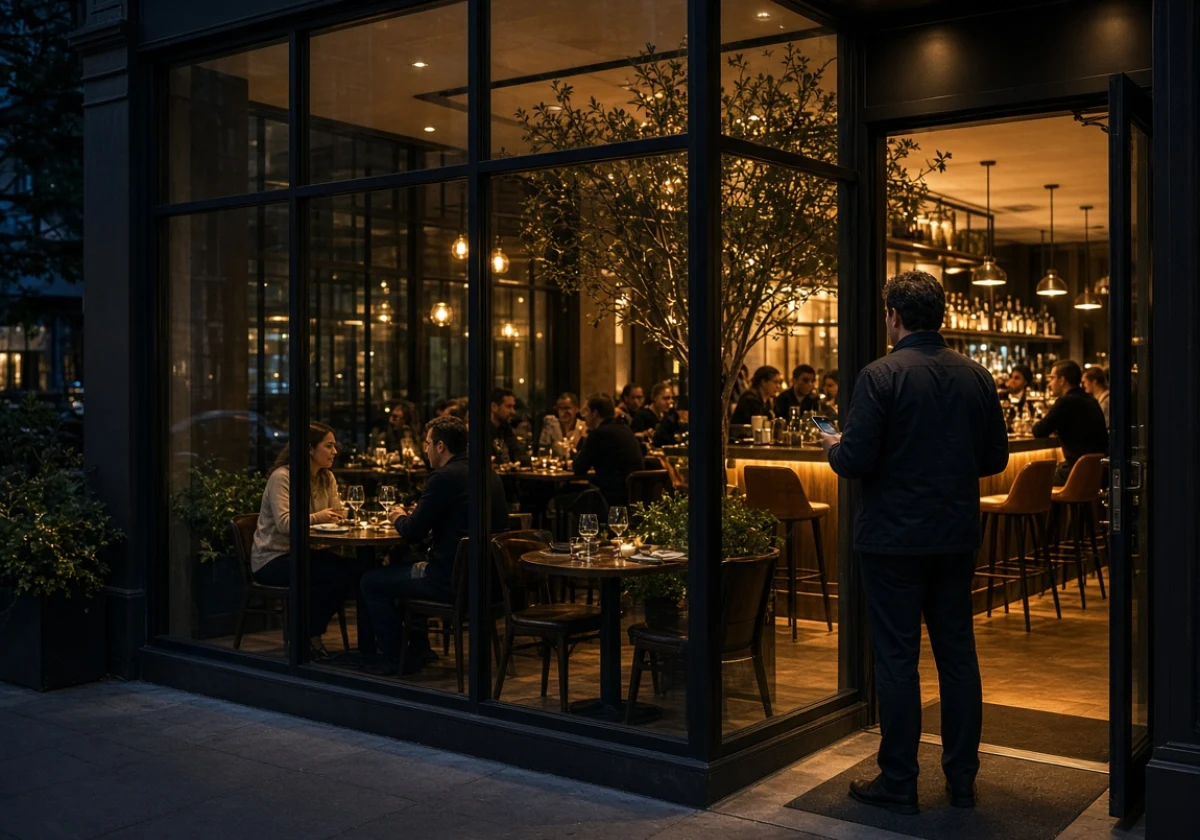
When customers visit your restaurant website, they expect a clear menu, easy ordering options, and accurate business details. They also need a mobile-friendly design, local visibility, and regular updates to help them find information without calling your restaurant.
Despite these expectations, many owners start with a website template. Six months later, visitors still ring to check opening hours. Spoonfed Atlanta often sees these problems, and better planning usually solves them without a full redesign.
To avoid similar problems, start by answering seven questions about your restaurant website. This guide walks you through each decision and helps you prepare a clear brief before anyone starts building.
1. Restaurant Website Planning Starts With One Clear Job

Many restaurant websites try to serve several purposes at once, leaving visitors unsure what to do next. Instead, choose one main action you want customers to take and build your home page around it.
For instance, do you want visitors to book a table, place an order, or check the menu before visiting? A restaurant offering a relaxed dining experience needs a different home page than a takeaway counter in Decatur.
After fifteen years of building restaurant websites, we’ve learned that a clear goal makes the planning process easier. Without one, owners risk spending money on changes that better planning could have prevented.
2. How Should Your Restaurant Menu Appear on the Page?
Your restaurant menu should appear as a mobile-friendly web page with readable dish names, clear sections, and current prices. Unlike a PDF, a web page lets customers browse dishes without pinching and zooming. Search engines can also read the menu text, which helps your dishes appear in relevant searches.
A readable web page is a good start, but these three details make your menu easier to use.
- Readable Dish Names and Prices: Use text instead of menu images so customers can read dishes easily. Search engines can index the text too, which helps people find your menu online.
- Prices You Can Edit: Your staff should be able to update prices, add seasonal dishes, and remove unavailable items without contacting a developer. That way, customers see accurate information before placing an order or visiting your restaurant.
- Short, Scannable Sections: Group dishes under brunch, lunch, dinner, and drinks so a hungry person can find what they’re looking for without scrolling through everything.
Since customers often check the menu before visiting, keep the information accurate and easy to browse. Review it whenever your dishes, prices, or availability change.
3. Local Visibility: How Diners Find Your Food Business Website
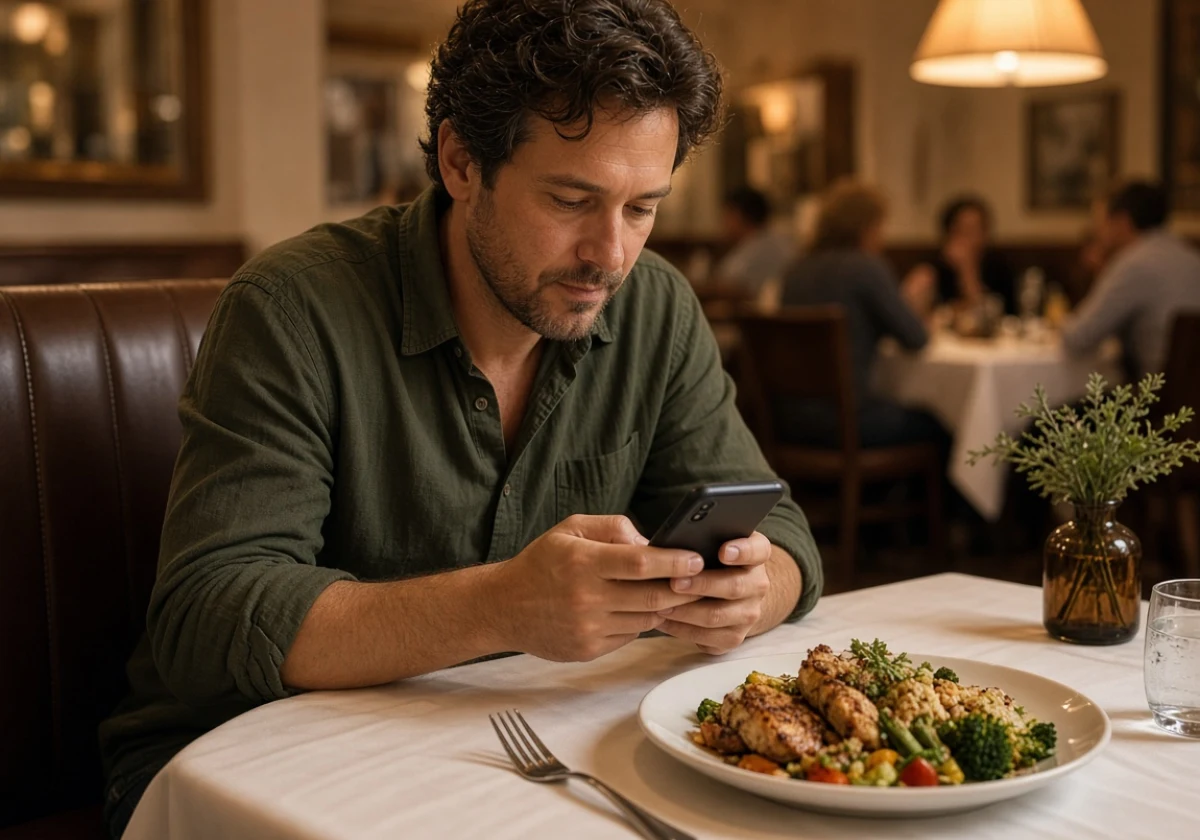
With a complete Google Business Profile, you can attract nearby diners to your restaurant without paying for ads. Claim the listing, then check that your address and phone number match the details on your food business website.
Because Google Maps pulls straight from that profile, one wrong closing time can send a Friday crowd to the bar down the street. You’ve probably seen a nearby restaurant lose customers over incorrect opening hours. The same mistake is easy to avoid with a quick profile check.
Beyond the profile, your website also needs location-specific content that names your neighbourhood, cuisine and signature dishes. These details help Google connect your restaurant with relevant local searches.
Recent food photos help too, as Google recommends adding pictures of your dishes, storefront, and dining area to help customers recognise your restaurant.
4. Will You Take Online Orders Direct or Through Third-Party Apps?
Direct ordering through your own site should be the default, with delivery apps like Uber Eats kept as backup. Still, the costs of each option should guide how much you rely on either channel.
Before choosing either option, compare their costs, setup requirements, and customer benefits.
| Factor | Direct Ordering on Your Site | Third-party Apps |
|---|---|---|
| Cost per order | Flat monthly fee, often under $100 | 15% to 30% of every bill |
| Customer data | You keep names, emails, and order history | The app keeps the relationship |
| Setup effort | Connect your POS once, then test it | List your menu and go live quickly |
| Best for | Regulars, pickup and catering | New faces on quiet weeknights |
Having helped dozens of kitchens introduce online ordering systems, we recommend using both channels. While delivery apps help you reach new customers, direct ordering saves on commissions when regulars return.
To encourage those repeat orders, add your website’s ordering link to table tents and printed receipts.
5. Mobile Design Decides Your First Impression and Brand Identity
Hungry diners shouldn’t have to zoom in, struggle with tiny buttons, or scroll endlessly to find your menu. Even a lovely desktop design can frustrate customers if the mobile version is difficult to use.
To avoid these problems, check three things before approving your layout:
- Thumb-Friendly Buttons: Keep order and booking buttons near the top, where customers can spot them without scrolling. Leave enough space between buttons, too, so customers don’t accidentally tap the wrong option.
- Readable Contrast: Pale grey text on a dark photo might look attractive on a laptop but become difficult to read outdoors. For better readability, use contrasting text colours and test your pages in bright daylight, especially your menu and booking forms.
- Compress Every Image: Your food photos should look appetising without making customers wait for the page to load. To balance image quality and loading speed, use WebP files and resize large photos. Google’s 2025 image performance guidance recommends these practices to reduce loading times.
A quick look at competing restaurant websites on your phone can give you a sense of what customers expect. Notice how easily their menus open and how smoothly the ordering process works. After all, clear food photos and simple navigation are often more useful to hungry diners than elaborate animations.
6. Restaurant Marketing Strategy: Tying Your Site Into the Wider Plan

Linking newsletters, social posts, and reviews to your site helps first-time guests stay connected with your restaurant. With these channels working together, your restaurant marketing strategy has a clearer purpose than simply finding something to post each week.
Still, each channel has a different role, and the table shows how to make the best use of each one.
| Channel | What It Does | Link It To |
|---|---|---|
| Email list | Fills quiet nights with offers | A signup form on your home page |
| Social posts | Shows food, staff and specials | Your menu and booking pages |
| Review platforms | Builds trust before the first visit | A short reviews block on your site |
| Gift cards | Brings new faces in over Christmas | A checkout page you own outright |
Of these channels, customer reviews deserve regular attention. We’ve seen a thoughtful review reply help bring in bookings over the following month. So, it’s worth answering every review you get (yes, even the unfair two-star ones).
A consistent, friendly tone across those replies also gives potential diners a better sense of how your restaurant treats customers.
7. Good Web Planning Keeps Your Site Short and Current
Once the big decisions are made, the last question is who keeps everything current. Moving to upkeep, a five-page site your staff can edit beats a twenty-page one nobody has touched since launch.
To keep those five pages accurate after launch, a few simple maintenance habits can help.
- Assign One Person: Choose someone on your team to check opening hours, menu prices, and specials every Monday. They should also update the website whenever your restaurant changes its hours or runs a new promotion.
- Keep It to Five Pages: Customers shouldn’t have to search through several pages for your menu, opening hours, or contact details. Keep that information within easy reach, and remove outdated promotions or event notices.
- Track Website Renewals: A record of your hosting, domain, and SSL certificate renewal dates can help prevent unexpected disruptions. To avoid missed payments, calendar reminders can come in handy. Regular plugin updates also help keep your website running properly.
With a smaller site and a clear maintenance routine, your team can spend less time managing the website. That leaves more time to focus on the customers coming through your doors.
Start Planning Your Restaurant Website Today
Answering these seven questions first saves you the cost of rebuilding a site that nobody planned properly. You’ll also have a clearer idea of what your restaurant needs and what customers expect.
To put that planning into action, block out an afternoon, write your answers down, and hand them to whoever builds the site. Your answers will give the developer a clear direction for your restaurant website. Agreeing on the features, design, and budget early can help you avoid unnecessary revisions and keep the project on track.
For professional support, Spoonfed Atlanta builds and manages restaurant websites for independent owners across the city. Our team will guide you through every stage of planning and development. Contact us today.